Technical Details
Hardware
Presonus StudioLive Series III 16R Digital Rack Mixer
Raspberry Pi
GL.iNet GL-MT6000
Stream Deck
Shure wireless mic
Shure dynamic microphones
Yamaha digital keyboard
amplifier
ZowieTek PTZ Camera
POE Injector
POE Splitter
cabinet power bar
outlet expander
usb over ethernet backup
Software
OBS Studio
NDI (Network Device Interface)
Bitfocus Companion
Reaper
qpwgraph
USB/IP
EndeavourOS
Flatpak
Yabridge
WINE
OBS Bible Plugin
Presonus StudioLive Series III 16R Digital Rack Mixer
Raspberry Pi
GL.iNet GL-MT6000
Stream Deck
OBS Studio
from Wikipedia:
OBS Studio is a free and open-source app for screencasting and live streaming.
OBS Studio provides real-time capture, scene composition, recording, encoding, and broadcasting. It can stream videos to any RTMP-supporting destination, including YouTube, Twitch, Instagram and Facebook.
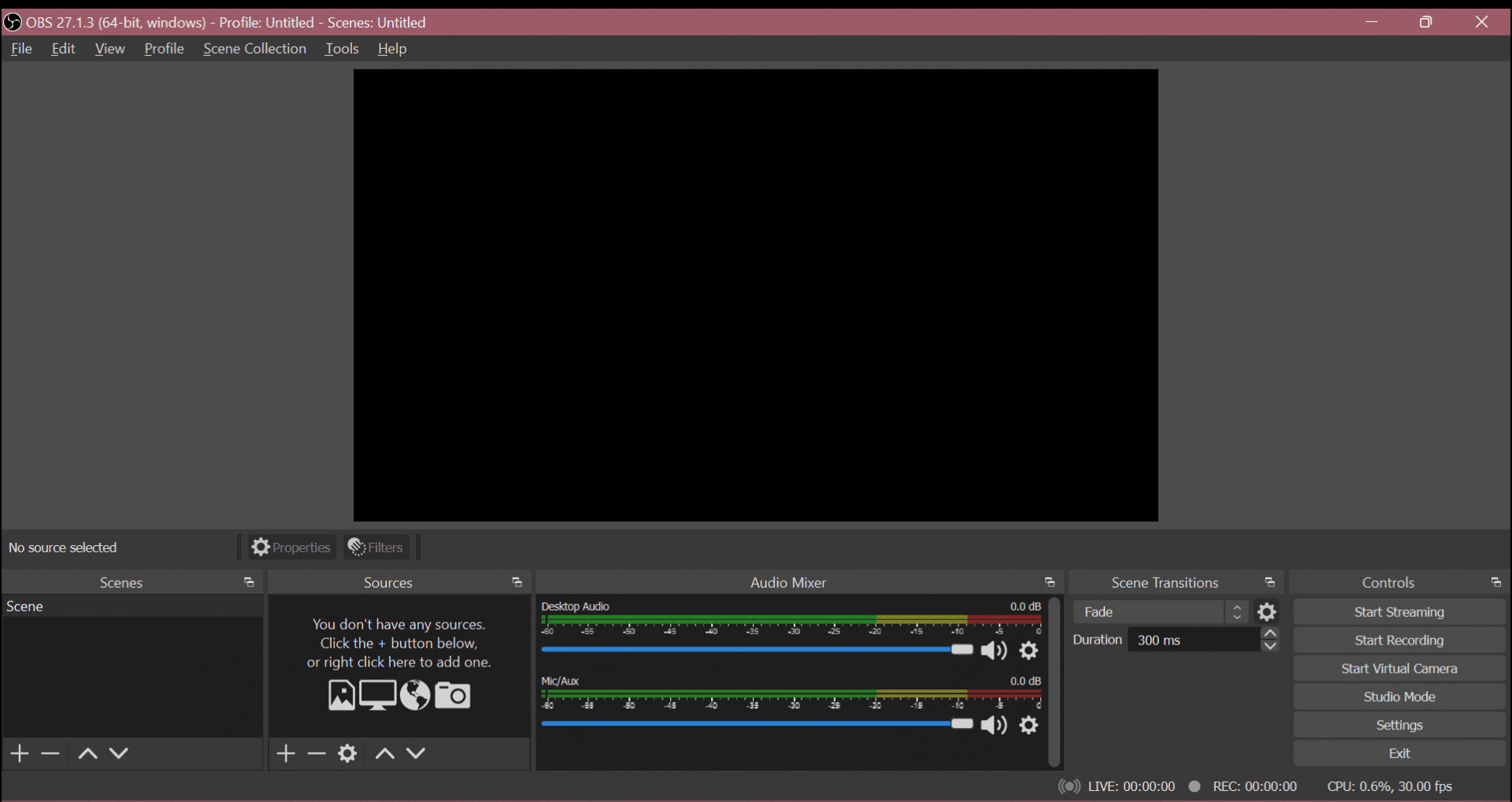
OBS Studio captures the video from our camera, receives the audio from our mixer, composes our different scenes for simple control over what the viewer sees, and sends the result to our platform of choice.
Bitfocus Companion
Companion elevates the affordable Elgato Stream Deck and similar devices into professional control surfaces for an extensive range of equipment and applications. From presentation switchers and broadcast equipment to video playback software and home automation systems, Companion delivers studio-grade control, putting powerful workflows right at your fingertips.
You don't need an actual stream deck to use it. Companion both comes with a builtin stream deck emulator, a webpage for touch screens and the ability to trigger buttons via OSC, TCP, UDP, HTTP, WebSocket and ArtNet. It does the same job, just without the buttons.
- Button designer - Either with colored text or upload your own images
- Feedback - Devices can give feedback to buttons to display state
- Stacked actions - Run multiple actions from the same button
- Delayed actions - Set delay time individually for each action
- Multi device - Have multiple stream decks connected at once
- Web admin - Configure the system from any browser in the network
- Web buttons - Virtual web buttons for mobile/tablet/browser
- Latching - Separate actions for key down and up, and ability to latch/toggle
- Streamdeck Plugin - Use companion buttons in the native stream deck application
Bitfocus Companion is the special sauce that connects the Stream Deck to the different applicationsaspects of our setup that it controls such as OBS StudioStudio, Reaper, and Reaper.the PTZ camera. Without Companion, the livestream would become much more difficult to control.
Companion provides modules that each connect to a specific piece of software.software or hardware. We are using several modules including the OBS StudioStudio, modulethe Reaper, and theVISCA Reaper module.modules. These modules provide hooks to perform specific commands in the software it connects with. The OBS Studio module provides scene change controls forand example.more. The Reaper module provides mute toggling for each audio channel we need. The VISCA module provides a means of controlling our PTZ camera remotely.
Not only that but Companion is able perform multiple commands with a single button press. When we press any of the OBS scene buttons (PRLDE, MAIN, etc), Companion sends a command to OBS Studio to change to that scene AND sends multiple commands to Reaper to ensure certain audio channels are muted and unmuted. All at once.
Reaper
REAPER is a complete digital audio production application for computers, offering a full multitrack audio and MIDI recording, editing, processing, mixing and mastering toolset.
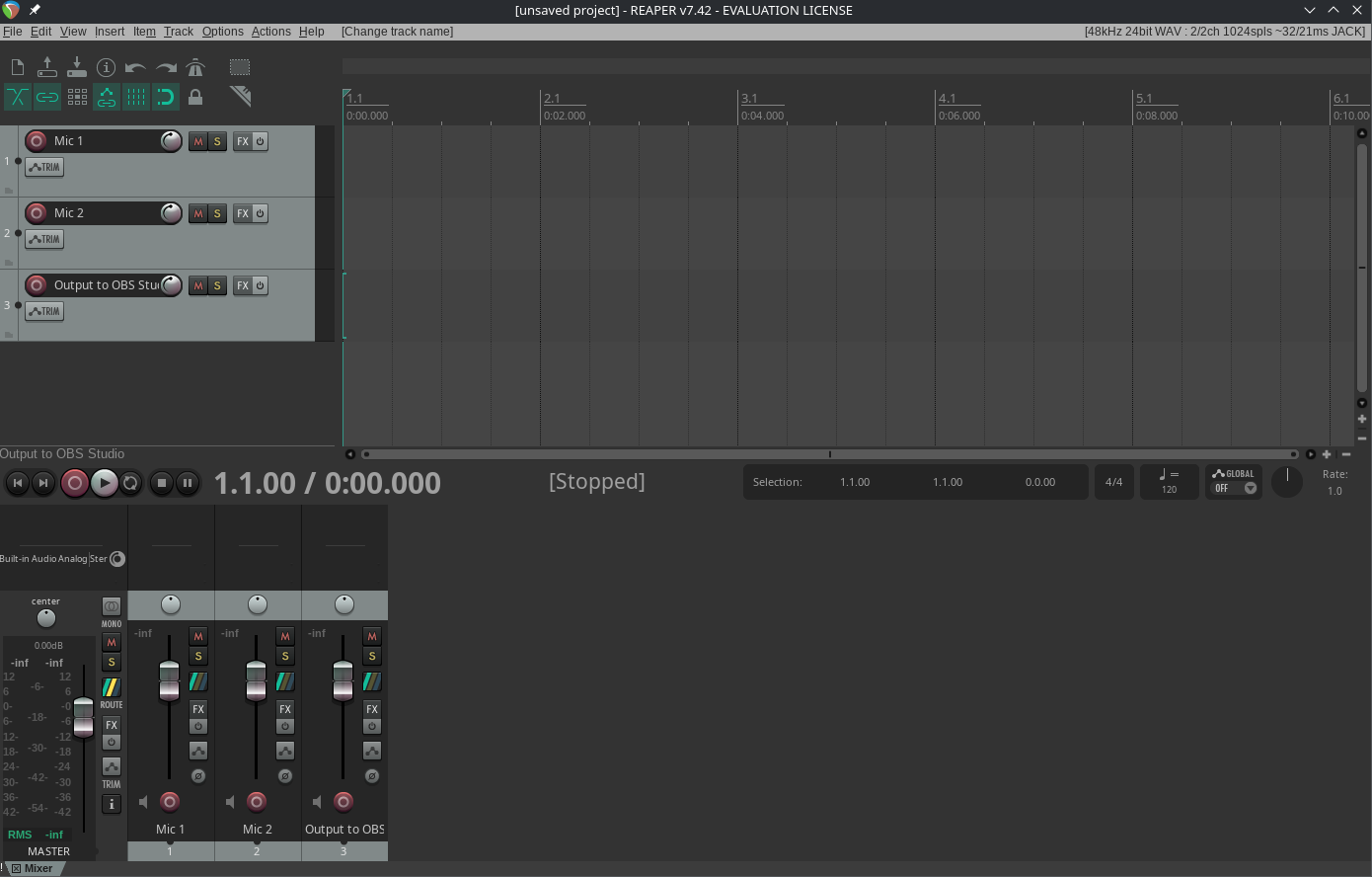
Commonly called a DAW (Digital Audio Workstation), Reaper provides the tools we need to manage multiple different audio channels, each sourced from a different microphone, apply plugins, mix the resulting channels together, and output to OBS Studio via qpwgraph.
OBS Studio doesn't natively provide any real control over its audio settings. It is also rather lacking in its audio monitoring capabilities since it does not even have a master channel. The lack of controls means it would be difficult for less adept users to suitably control the variety of audio channels needed for a proper production.
Enter Reaper.
As a DAW, Reaper doesn't just provide a vast array of customization. It is also a fully featured solution for the modern audio engineer. Some of the requirements for a modern DAW include support for various controls to be offloaded to external hardware called control surfaces. An example of such hardware would be the Behringer X-Touch (pictured below) or the Mackie MCU Pro.
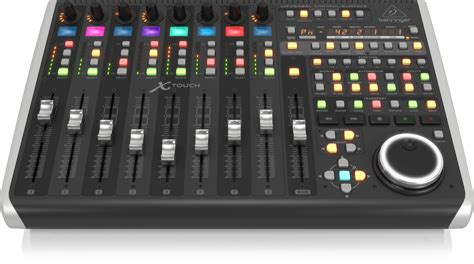
These control surfaces provide physical controls such as faders, knobs, and buttons for adjusting and/or controlling an array of options within any DAW.
In lieu of a control surface such as these, we instead utilize Bitfocus Companion and the Stream Deck to provide us with intuitive control over our livestream audio.
qpwgraph
The Presonus 16R mixer we use provides 16 channels of audio to our computer. That's a whole lot of complexity that most operating systems do not typically provideexpose intuitiveto controlthe over its routing.user.
qpwgraph provides that intuitive routing control we need so that each channel of audio from our mixer arrives at the destination we need it to.expect.
Simply put, qpwgraph provides a virtual cabling system. It displays each channel that the Presonus mixer provides and whatever channels that Reaper is capable of receiving (which we set in Reaper itselfconfigured to receive 16 channels),receive, then we simply dragconnect each input and dropoutput eachusing virtual audio cablecables to connect the mixer channels to Reaper's inputs. Then once Reaper is done processing and mixing the audio down to a stereo channel, we connect Reaper's outputs to OBS Studio's inputs.
USB/IP
The Presonus 16R mixer has two means of sending audio data to a receiver like our laptop. It can use something called AVB networking or USB.
AVB networking (or Audio Video Bridging) is a method to transmit audio and video data in real-time over an Ethernet network. However, it requires the use of expensive network hardware specifically designed to handle this type of data. So that option is out.
USB is all that remains.
With our setup, we have several constraints dictating our cable length. We have microphones that need to reach the mixer, the mixer needs to reach the amplifier, the amplifier needs to reach the speakers, and the laptop needs to reach the mixer. The microphones, mixer, and amplifier canshould be relatively close to each other but that leaves the laptop standing alone way off in the distance.
Furthermore, USB cables have a maximum length in the specification to ensure data integrity. Go over that length and data might not reach the ends of the cable.
| USB Version Standard | Maximum Length |
| USB 2.0 | 5 meters |
| USB 3.0 | 3 meters |
| USB 4 | 0.8 meters |
As that table shows, generally as the speedsversion and its speed of transmission increaseincreases (2.0 -> 3.0 -> 4), the maximum length of cable decreases.
Now the Presonus mixer operates with USB 2.0 but our laptop is approximately 15-20 meters away, well over the USB spec. Even USB extension cables are shorter than what we need. Neither should we use extensions because that introduces additional points of failure.
That's where USB/IP comes in.
USB/IP encapsulates all the data from a USB device within a network packet for transmission over a regular TCP/IP network (Ethernet/Wifi)Preferably via Ethernet). The computer which has the USB device plugged into it operates as a server and allows a single client to attach to the available USB device over a network. On the client, that USB device appears to the operating system as if it were directly plugged into the client itself.
Inside our sound cabinet is a Raspberry Pi (a Single Board Computer) operating as our USB/IP server with the Presonus mixer plugged in. Our laptop attaches to the mixer that the Raspberry Pi is serving over the network. This is how our laptop receives the audio data direct from the mixer as if the mixer were plugged directly into the laptop.
Only stipulation for this setup is that both the USB/IP server AND client must be hardwired together using Ethernet. This is due to the nature of our livestream requiring real-time data. Wireless networking has too much latency that would present as intermittent audio dropouts if we tried to go wireless.
EndeavourOS
Flatpak
Yabridge
WINE
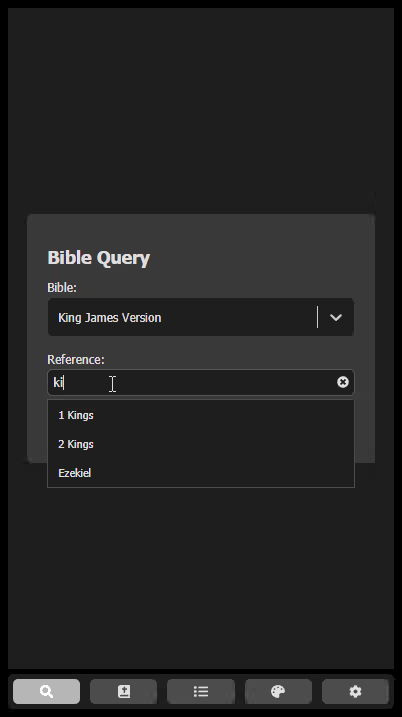
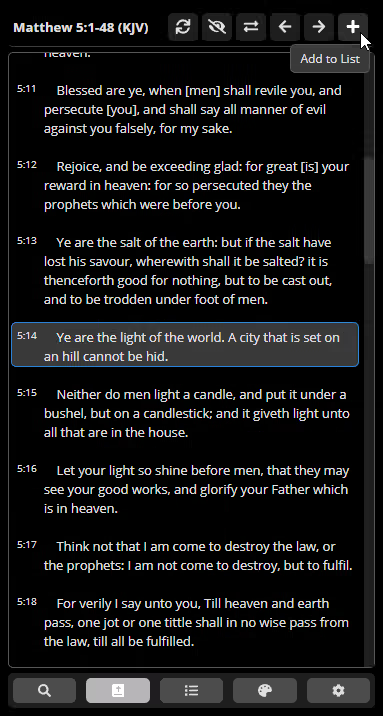
OBS Bible Plugin
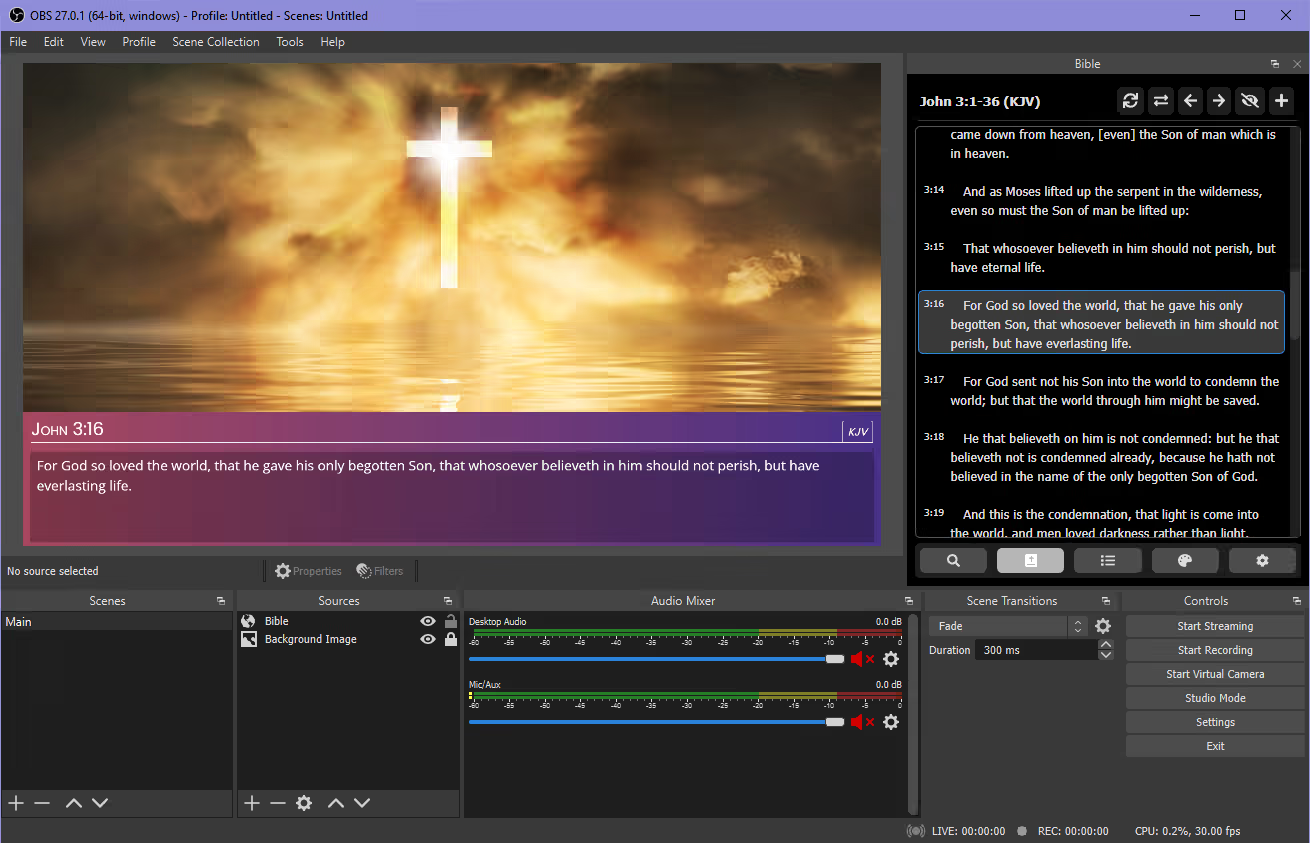
Developed by First Fruits Studio (based in Indonesia), this plugin is a complete Bible solution for OBS Studio. It provides a self-contained method of displaying bible verses on stream. To accomplish this, it has two components, a webpage loaded through a browser source to display the verses and a dock to control both a list of references and to select which verse to display at any given moment.